Modifying an Image Display Size
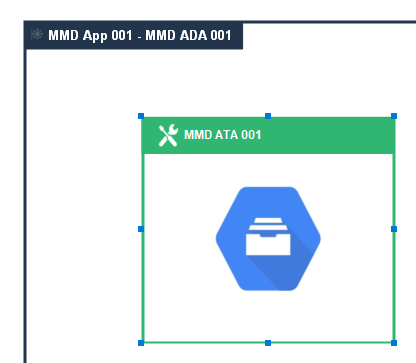
When needed you can make an image bigger than an icon size in a diagram shape.
Prerequisite: the image is a .jpg file.
To make an image bigger:
1. Import the image in your MetaPicture:
• From the Explorer, right-click the MetaPicture and select Import.
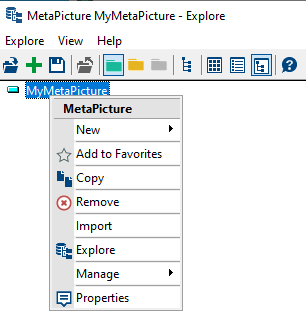
• In the dialog box, click Browse  and select your image (*.jpg format).
and select your image (*.jpg format).2. Connect the MetaPicture to the diagram element concerned:
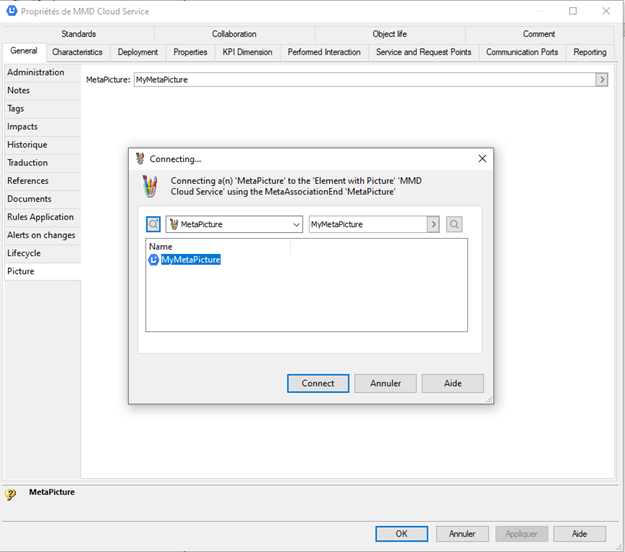
• In the element properties, display General > Picture.
• In the MetaPicture field, click the arrow and connect your MetaPicture.
E.g.: Cloud Service DiagramTypeField
3. Set the image size:
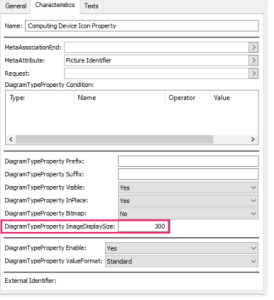
• Access the DiagramTypeProperty property corresponding to the image.
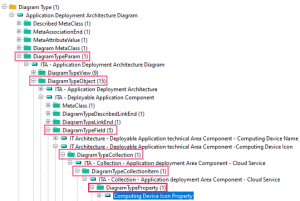
• In its DiagramTypeProperty ImageDisplaySize field, define the image size.
E.g.: 300