Creating a diagram from an ArchiMate Element
With HOPEX for the ArchiMate Framework, you can create a diagram from any ArchiMate Element. The corresponding view is automatically created in the context of the ArchiMate Element Model.
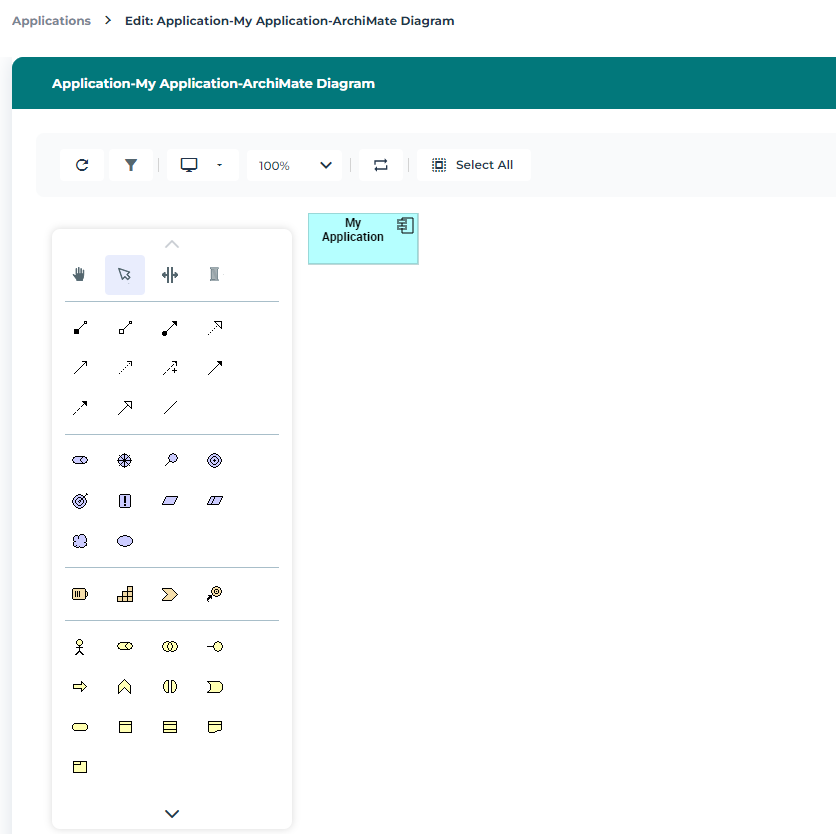
For example, to create an ArchiMate Diagram from an Application Component:
1. From the Model navigation menu, select the Application Component that interests you and click Create a diagram.
2. In the selection window, click ArchiMate Diagram.
The diagram opens in the edit area. The Application Component is inserted in the diagram.