Generating the list of options
You can generate a report that lists all options classified by group, with their comments.
To generate the list of options:
1. Access the Options at the required level (site, environment, or user).
 See Accessing Options.
2. Right-click Options and select Report.
Report generation may take some time.
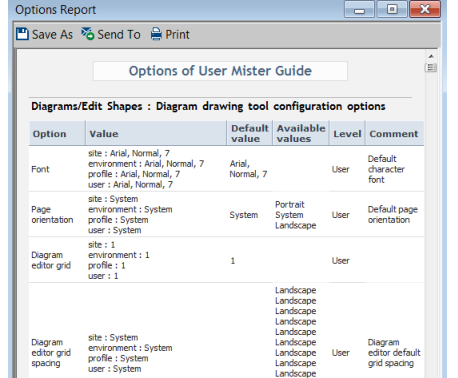
The Options Report includes:
• the names of available options
• the values available for each option
• the default value
• a comment explaining the option use context
• the option level:
• user
• environment
• site
To save this report in .html format:
 Click Save As and select *.htm format.