7. Packaging customization
The module custom is what must be pushed to STAGE or PROD. As mentioned, this package contains all the resources and all MGR/XMG files.
This module is an “HASPKG”, it is a smart “zip” of all the files required.
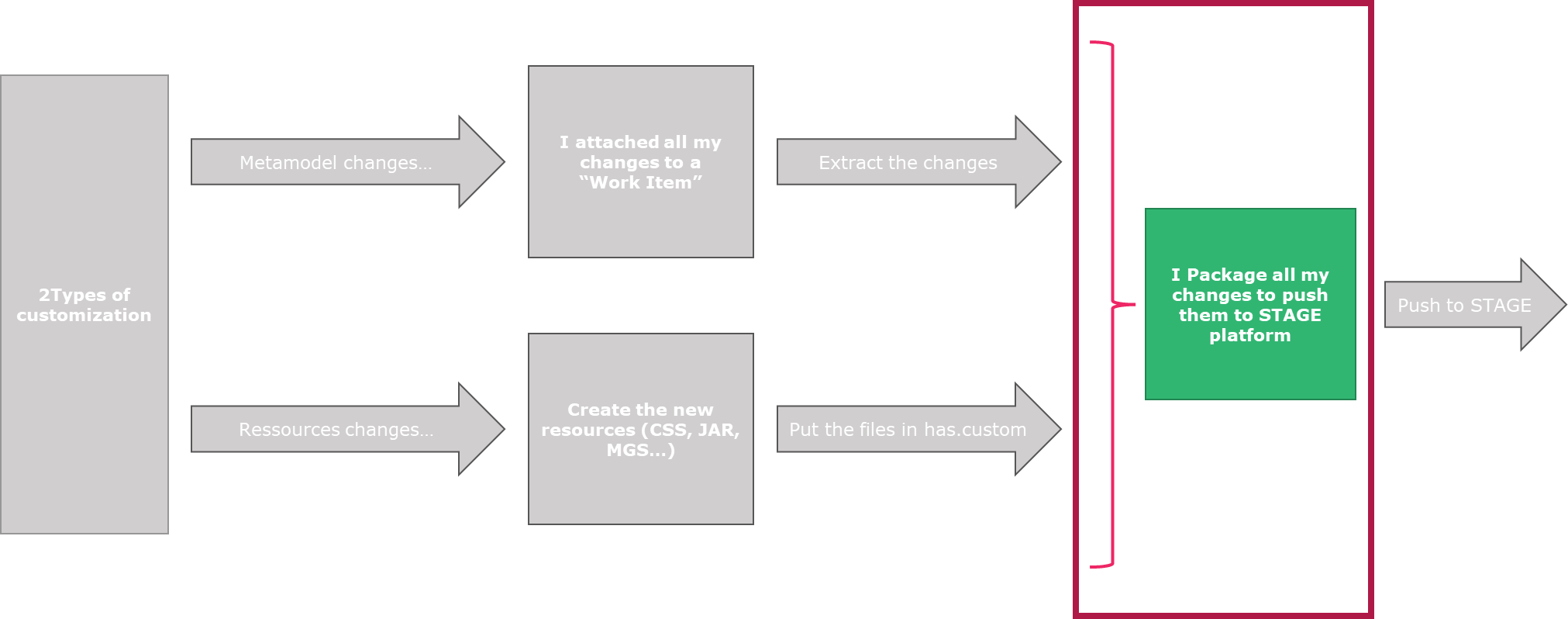
To create this package:
1. Connect to your DEV instance server in Remote Desktop.
2. Launch a provided PowerShell script called: “3 - create-module-custom.ps1”. Default location: C:\...\HOPEX Application Server\5000\.shadowFiles\has.custom\...\

When successful you get a message “Packaged Created”.

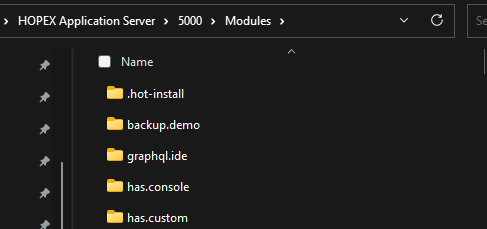
The newly created package is then copy in the ".hot-install” folder located here : C:\...\HOPEX Application Server\5000\Modules\.hot-install
• If the HAS instance is running, the file is automatically redeployed in the DEV instance.
• If the HAS instance is not running, we recommend you start it for the module to be properly deployed.
3. Get the packaged that was generated for the next step.
The file is name “HOPEX Application Server Customization-15.2023.XXX+XXX.haspkg” and is located: C:\...\HOPEX Application Server\5000\Modules\has.custom
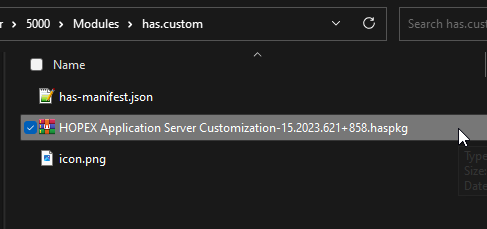
You now have the file that you will push to the next platform.