Finding the Variations of an Object
The "Variants of an object" query lets you find all the objects derived from another object.
To find the variations of an object:
1. From the Main menu, select Advanced Query.
2. In the Wizard mode, select the Query object type and enter “variants”.
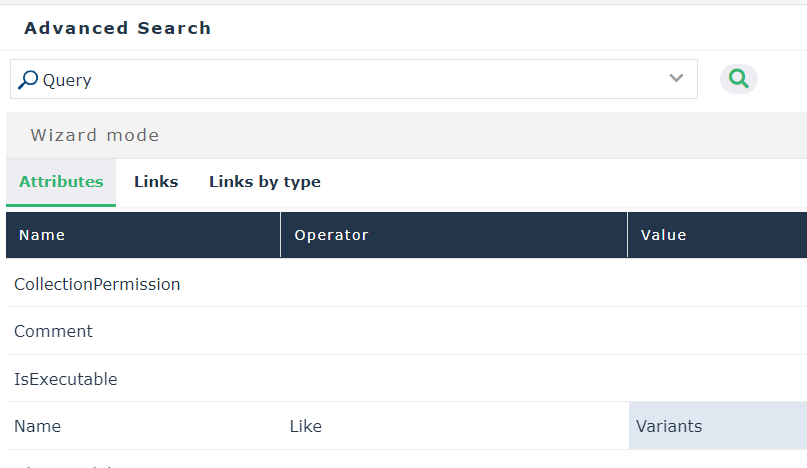
 You are able to select the “Query” object type with certain profiles only.
3. Click Find.
4. Right-click the Variants of an Object query and select Process.
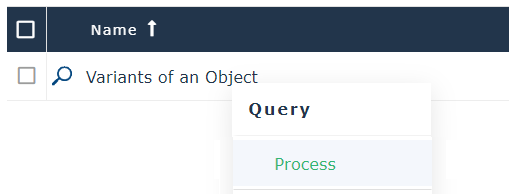
5. In the Query parameters dialog box, select Connect.
6. Among the objects of the “Variable object” MetaClass, search your “variant”.
7. Once you have selected your variant, click OK.
8. Select an object from the list of derived objects.
The tool displays not only direct variants but also sub-variations.