Make Control Steps Reusable
After creating control steps, you may decide to promote them as a template to be able to reuse them.
To be able to reuse control steps:
1. Define control steps.
2. Click Save as template.
3. Name your reusable control steps.
Once the “template” has been created, you may view it in Assessment > Control Execution Steps > Control Step Templates.
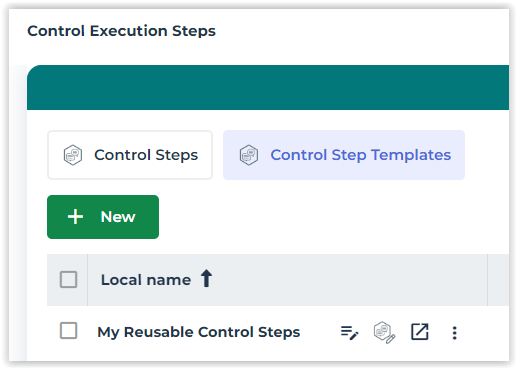
From now on, when you create control steps, a wizard offers you the possibility to create them from scratch or to initialize them from an existing template.
 If you no longer want to have these control steps as possible templates, in the Execution page of the control, click Demote as template.