Creating an ArchiMate View
The ArchiMate® Views can be ordered in dedicated folders.
To create an ArchiMate® View:
1. In the Models navigation menu, expand the Models folder and the ArchiMate® Model folder that interests you.
2. Select the View folder and click New > View.
The Creation of View dialog box appears.
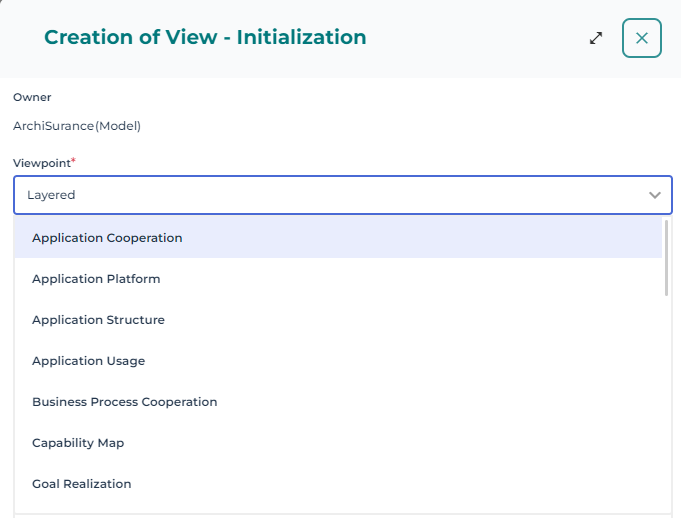
3. In the Viewpoint field, select the viewpoint that interest you and click OK.
 the Layered viewpoint is selected by default.
The Name of the new view is automatically computed and can be modified.
The view diagram opens in the edition area.
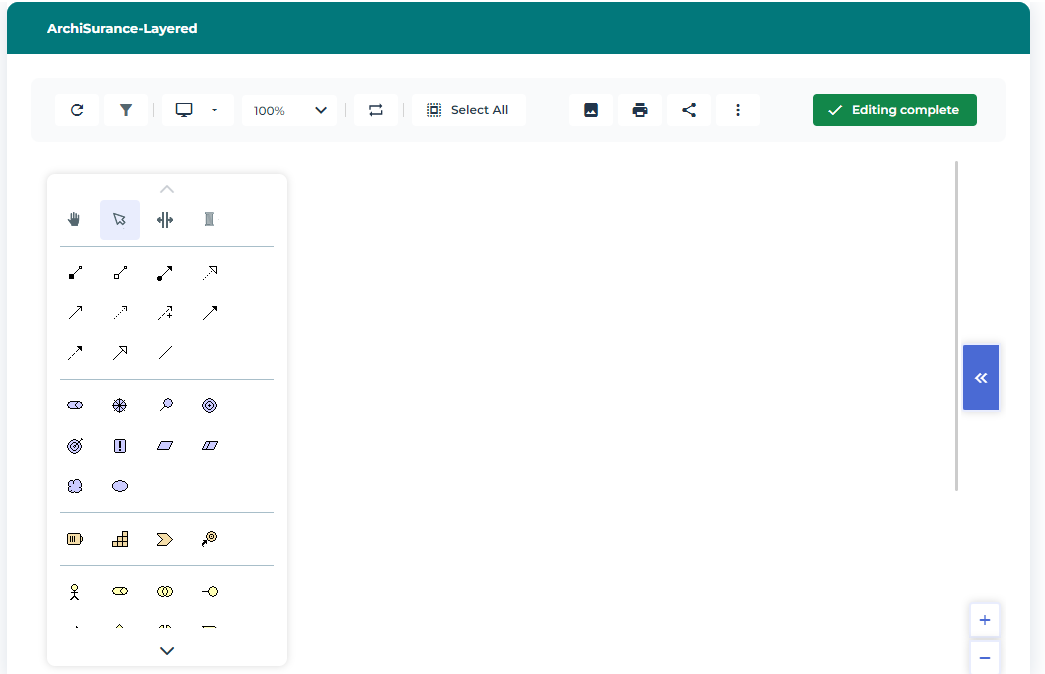
A View is represented by only one diagram.
The diagram of a view is activated based on the selected Viewpoint setup. Additional views can be manually activated, or default views can be deactivated.
To activate the views window:
1. In a diagram, click Views and details button.
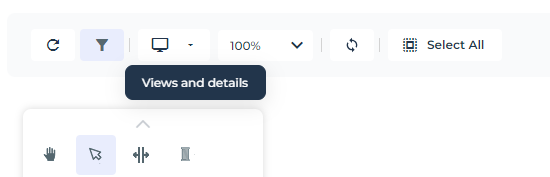
The list of object types to be displayed appears.
2. Select (or clear) the object types you wish to display (or not).
For more details on object types available in a viewpoint, see The properties of a viewpoint.