Accessing your IT architectures with HOPEX Digital Transformation Desktop
To access the elements that are part of your IT architectures:
1. Click the Applications navigation pane.
2. In the navigation pane, click Hierarchy.
A tree with the different architecture levels is displayed.
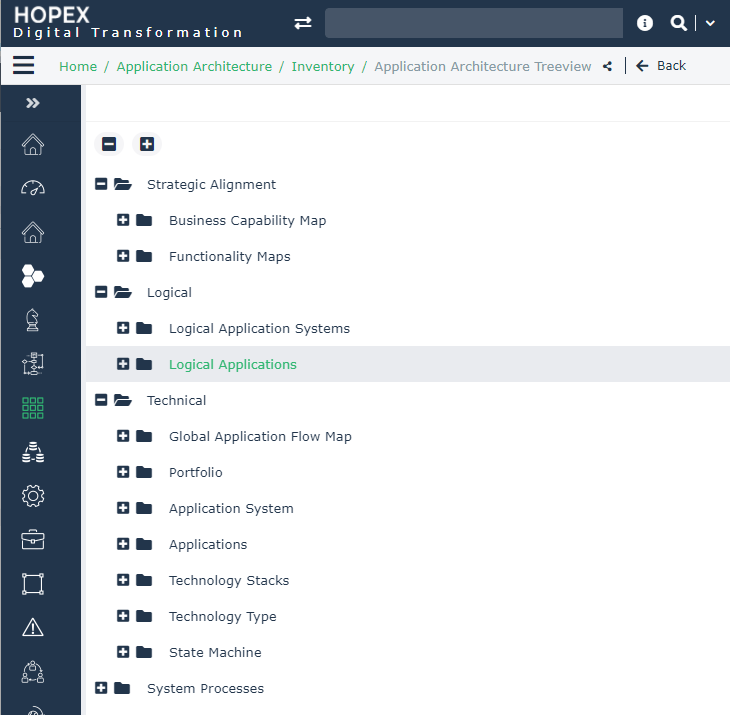
• The Strategic Alignment folder enables the definition of Business capability maps and Functionality Maps in order to prepare for the transformation of your enterprise.

• The Logical folder provides access to the list of elements of your logical architecture.
• The Technical folder provides access to the list of elements of the technical architecture.
• The Application Systems folder provides access to the list of elements of your system architectures.