Using the MEGA Advisor Web Site
To access HOPEX Advisor:
1. Log in to HOPEX Advisor with the appropriate user and password.
The information displayed on the Home page corresponds to the role defined for the connected user.
2. In the main menu, pass the pointer over Architectures and click TOGAF Architectures.
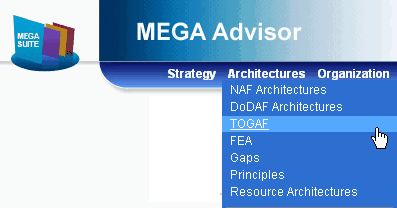
The repository and the repository objects to which the user has access are visible. Your repository must have information in it for you to visualize anything.
You can also gain access to the main objects of the repository via their own menus.
For example, to view Work Packages.
For further information on using HOPEX Advisor, see the HOPEX Advisor user guide.