Identifying Elementary Objects
By default, objects undergo deformation proportionally related to the shape.
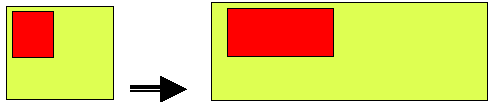
Before running the Field Positioning Wizard, objects that should not undergo proportional deformation (particular position, fixed size, etc.) should be named.
Each field name should be unique.
To name a shape object:
1. From the Shapes Editor menu bar, select File > Open.
2. Select a shape.
3. In the Shapes Editor Editing area, right-click the shape and select Field Options.
The Field Options dialog box appears.
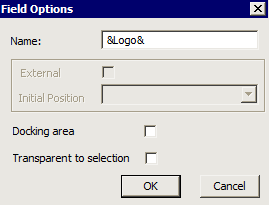
4. In the Name field, enter a name for the shape. The name should be prefixed and suffixed by &.
Example: &Logo&
 Calculated fields are self-named. The text they contain can be used directly as the object identifier (for example &Name&).