Configuration Example: Organizational Process Diagram
We shall illustrate diagram type configuration by considering the example of an existing configuration, that of the Organizational Process Diagram.
To access Organizational Process Diagram configuration:
1. In the MetaStudio navigation window, expand Diagram Types > Process > BPMN Organizational Process.
In the BPMN Organizational Process folder the BPMN Organizational Process DiagramTypeParam corresponds to the object whose icon contains PAR.
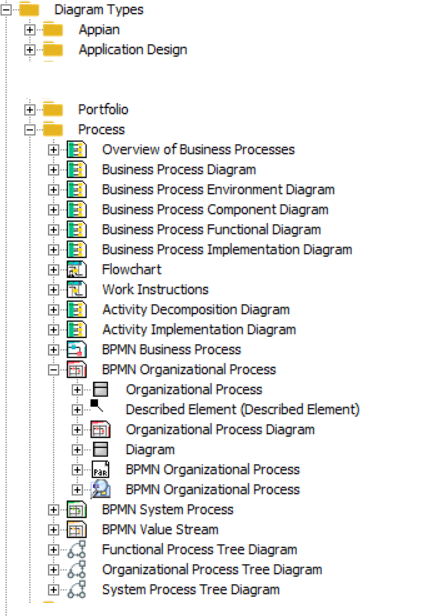
2. To view the flowchart configuration elements, expand the BPMN Organizational Process DiagramTypeParam folder. It includes:
• DiagramTypeViews: views.
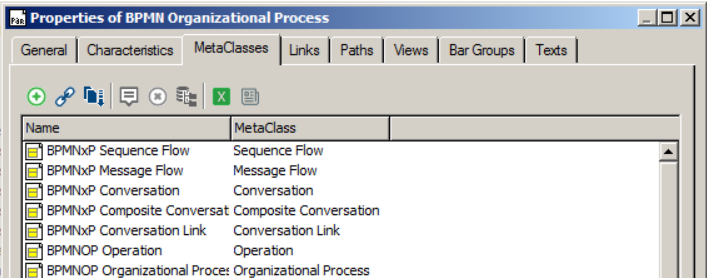
• DiagramTypeObjects: MetaClasses that can be used in organizational process diagrams. A DiagramTypeView can contain one or several DiagramTypeObjects.
• DiagramTypeLinks: Enables description of representation of a MetaAssocation in a diagram.
From the DiagramTypeParam Property pages, you can access:
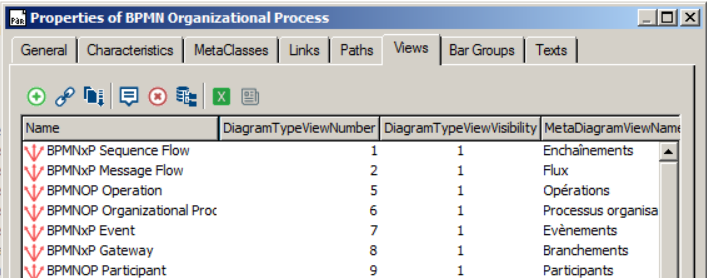
• DiagramTypeViews from the Views tab
• DiagramTypeObjects from the MetaClasses tab
• DiagramTypeLinks from the Links tab
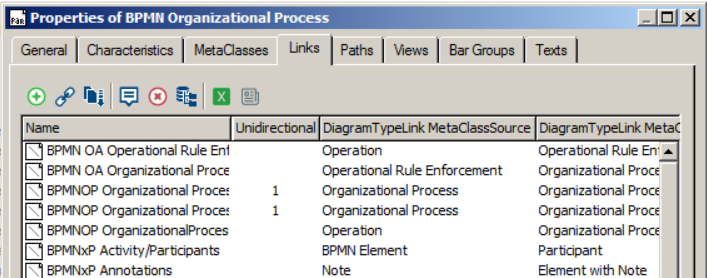
From these tabs you can create new objects and consult object properties.
To access general properties related to display in the diagram:
1. Access the DiagramTypeParam Properties and select the Characteristics tab.
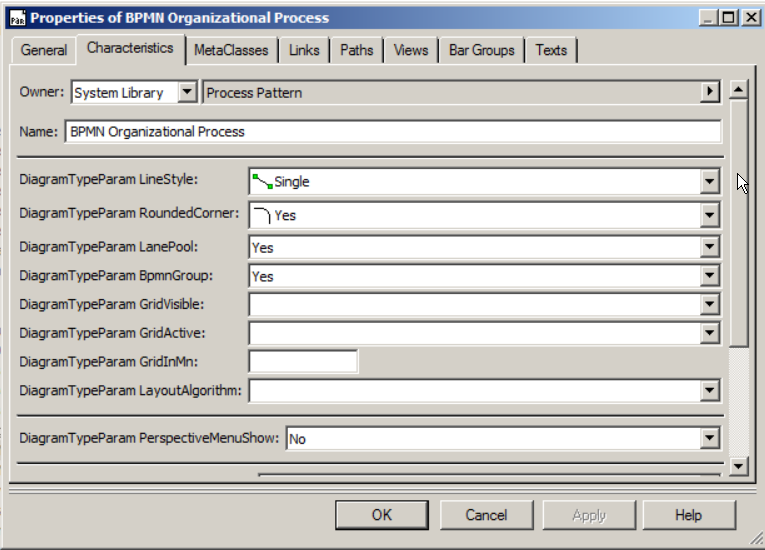
2. Configure:
• line style
• corner style (rounded or not)
• use of swimlane pools
• use of the grid