Shapes Editor toolbars
Toolbars include buttons that allow you to directly execute the menu commands.
To enable/disable the display of toolbars:
1. From the Shapes Editor menu bar, select View > Toolbar.
 Alternatively, you can right-click a toolbar.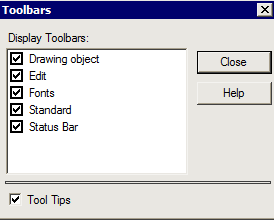
2. Unselect/Select the toolbars you want to hide/display.
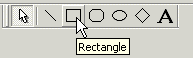
3. (optional) Select/Clear Tool Tips option to display/hide the button name when the mouse move over the button.
To move a toolbar:
1. Select the toolbar.
2. Drag and drop it where you want.