Viewing Computed Amounts Related to the Incident
To view computed amounts related to the incident:
1. See Accessing incidents.
2. In the incident properties, select the Financial System page.
The Total Amounts section automatically calculates the sum of all incident-related financial elements (losses, gains, recoveries and provisions).
 Amounts appear in the central currency and in the local currency.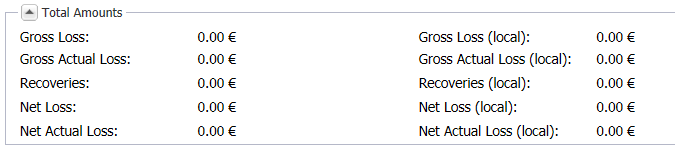
The following fields give valuated indications on incidents:
Gross Loss
Sum of losses (including estimated losses) - Gains
Gross actual loss
Sum of losses (excluding estimated losses) - Gains
Recoveries
Sum of insurance and non-insurance recoveries
Net Loss
Net Loss = Gross Loss - Recoveries
Net Actual Loss
Net Actual Loss = Gross Actual Loss - Recoveries