Viewing Regulatory Frameworks
A regulatory framework falls under any of following categories:
• regulations (rules of law that, if not followed, can result in penalties)
• guidelines
• standards
• best practices
 Regulatory frameworks correspond to UCF imported Authority Documents.
Accessing regulatory frameworks
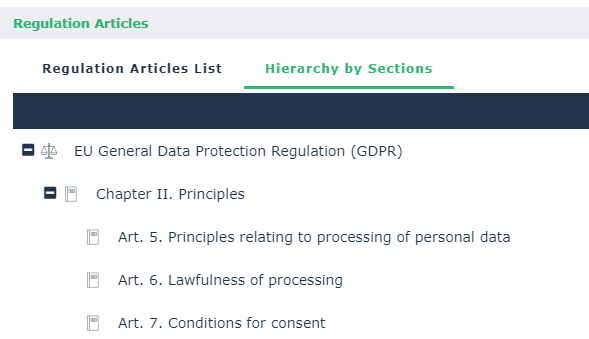
A regulatory framework tree displays relevant regulation articles.
To access the regulation framework tree:
 From the navigation menu, select Registers > Compliance > By Regulatory Framework.
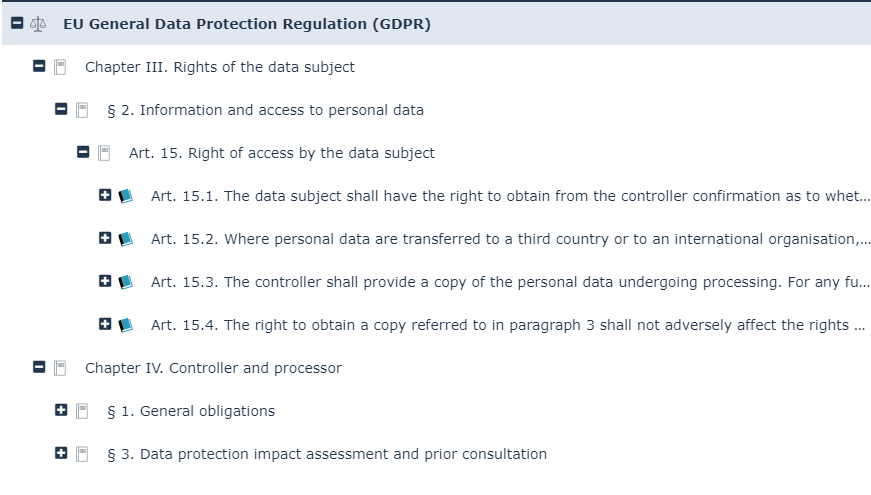 The regulation articles displayed are those that were declared as relevant in Environment > Compliance > Control Directives.
The tree starts from the regulatory frameworks and displays:
• the control directives enforcing the regulatory articles
For more details on control directives, see Viewing Control Directives.• HOPEX implementing controls, if any.
For more details on controls, see Managing Controls.Regulatory framework overview & description
The Overview section of the regulatory framework characteristics enables you to display general characteristics originating from the Common Controls Hub.
These characteristics cannot be modified if the content comes from UCF.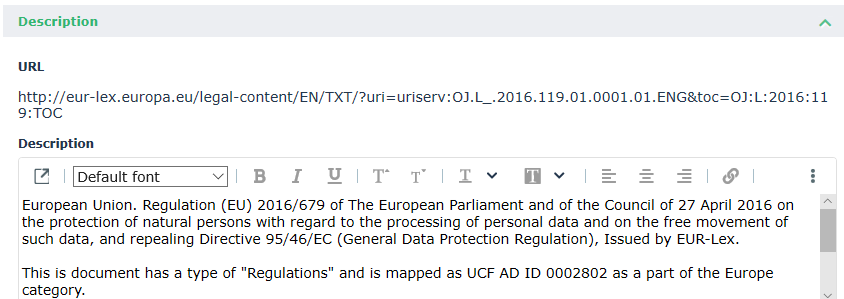
Content of a regulatory framework
To access the relevant regulatory content of a regulatory framework:
1. From the navigation menu, select Registers > Compliance > By Regulatory Framework.
2. Select the appropriate regulation framework and open its properties.
3. Expand the Relevant Regulation Articles section.
From here you can access relevant regulations articles:
• through a list of Relevant Regulation Articles
• through a Hierarchy of Sections