Home Page
Accessing the Home page
On connection to HOPEX, the edit area displays the Home page. You can return to the Home page at anytime.
To access the Home page:
 In your HOPEX desktop, click the name of the Solution to which you are connected.
Your Home page is displayed in the edit area.
 To customize your Home page, see Customizing the Home Page of your Desktop.
Home page description
The home page appears in the form of tiles that represent shortcuts to the repository data.
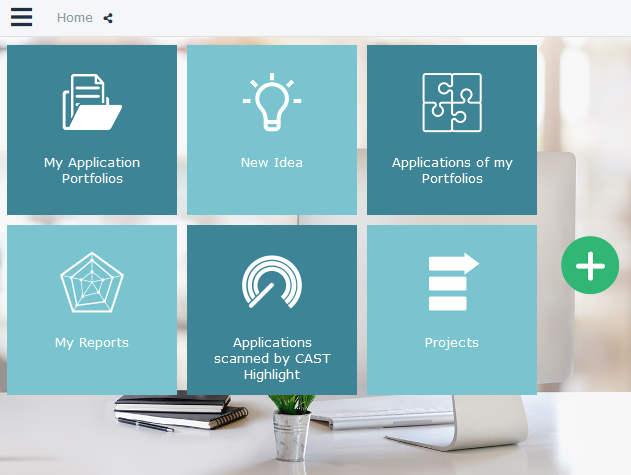
Example: Home page for the HOPEX IT Portfolio Management Solution desktop.
The Home page of your desktop includes tiles specific to your profile.
To modify a tile size, see Modifying the size of a tile.Example: the HOPEX IT Portfolio Management home page for the application Portfolio Manager includes, by default, tiles that provide access to the list of all his/her application portfolios as well as the list of applications of his/her portfolio.
You can add (or delete) tiles specific to your profile as well as generic tiles.
Examples of generic tiles: Options, Settings, History, Alerts Management.
