Actions on a List of Objects
In your HOPEX desktop, the objects in a list are useful entry points to perform actions on objects of the same type.
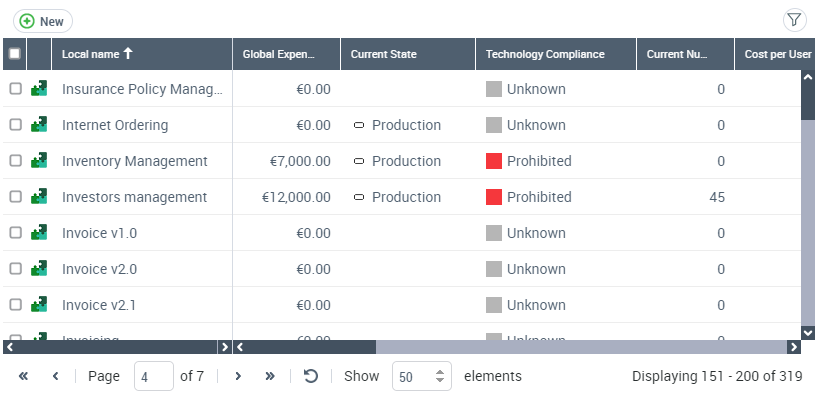
Using the menu bar of a list of objects, you can perform common actions.
Icon | Action on the list of objects | For more details, see: |
|---|---|---|
 | Create an object matching the object list | |
 | Display/Hide the filters on the columns |
For example, using the “All applications” tile of your home page (see ““Adding a tile to your home page") you can display the list of all applications.
In this list, you can create a new application and filter the list.