Actions on Several Objects in a List
In your HOPEX desktop, the objects in a list are useful entry points to perform actions on several objects of the same type.
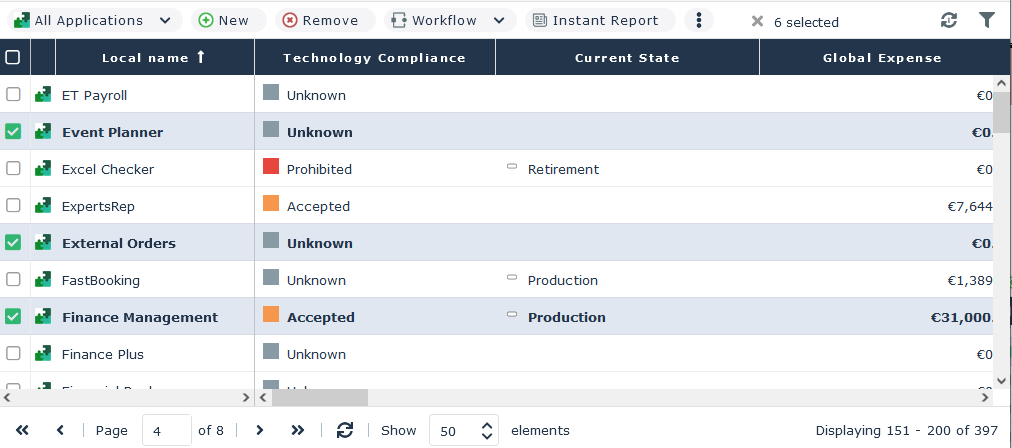
 The objects selected in a list are highlighted in bold.
When you select more than one object from the list:
• additional actions are available
• the number of objects selected in all the pages is indicated in the menu bar of the list.
 Click
Click  to access hidden actions.
Using the menu bar of a list of objects, you can perform common actions on several selected objects.
Icon | Action on the list of objects | For more details, see: |
|---|---|---|
 | Create an object matching the object list | |
 | Delete the selected objects from the HOPEX repository | |
 | Launch a mass workflow transition on the selected objects | |
 | Generate an instant report on the selected objects | |
 | Export the selected objects in Excel format | |
 | Display/Hide the filters on the columns |
For example, using the "All applications" tile of the home page (see "Adding a tile to your home page") on, you can display the list of all applications.
In this list, after selecting elements, you can export the list of applications in Excel format, generate an instant report on the list of applications (or on a part of the list).