Adding a Person to a Collaborative Workspace
The Owner or a Manager of the collaborative workspace can add other persons to this workspace.
To add a person to your collaborative workspace:
1. In your HOPEX desktop, click Main menu > Collaborative Workspace > Properties.
2. Display the Participants page.
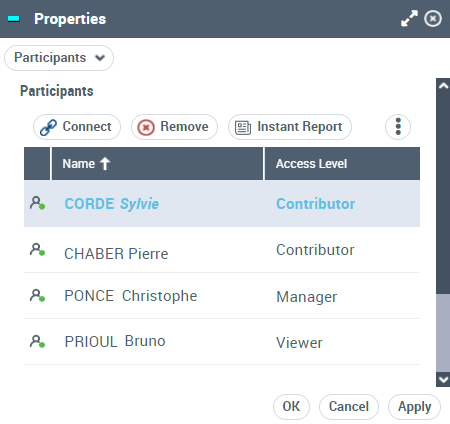
The window of the collaborative workspace participants appears.
3. Click Connect  .
.
.4. In the window to add persons, select the person.
 Use the [Ctrl] key to select several persons at the same time.
5. Click Connect.
The person is added to the list of participants of the collaborative workspace with a Read only access level.
6. (If needed) In the Level Access column, modify the level access of the person to your collaborative workspace.