Object Status Indicators
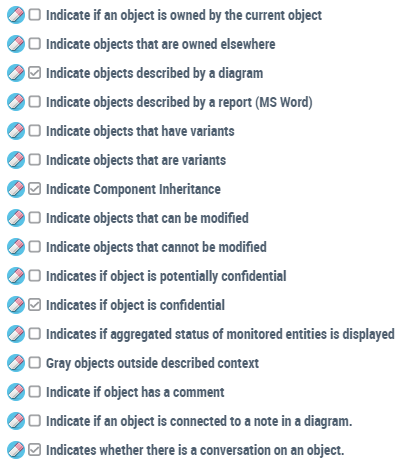
In diagrams, below some objects, icons give information regarding the object status.
For example:
 |
the object is owned by the parent object
|
 |
the object is not owned by the parent object
|
 |
the object is described by a diagram
|
 |
the object is described by a report (MS Word)
|
 |
the object cannot be modified (not authorized and/or locked)
|
 |
the object can be modified (authorized and not locked)
|
 |
the object has variants
|
 |
the object is a variant
|
 |
The object has a review note
see Review Notes.
|
Example:
When an object in a diagram is described by one or several other diagrams, the status indicator appears below the object shape.
appears below the object shape. 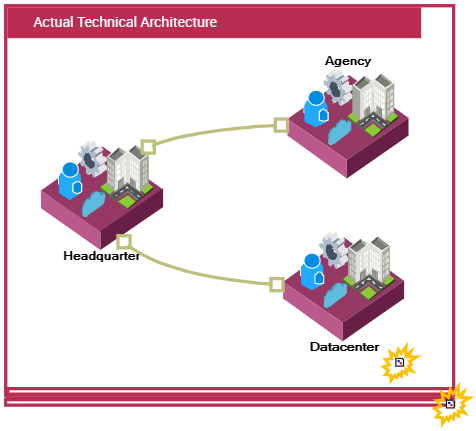
You can click the status indicator Object described by a diagram :
:- below “Datacenter” to open the diagram describing the “Datacenter” object in a pop-up window.
- below “Actual Technical Architecture” to open the diagram in a pop-up window and zoom in the window.
To configure the display of these icons:
1. Access Options.
2. In the Options tree, select Status indicators.
3. In the right pane, select (or clear) the required options.