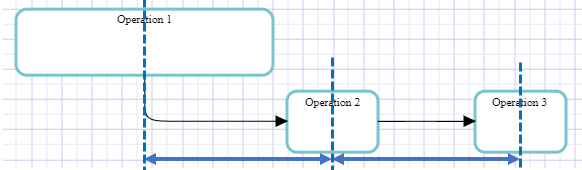
Distributing Elements Equally
To distribute elements equally:
1. Select the elements.
 See Selecting Elements.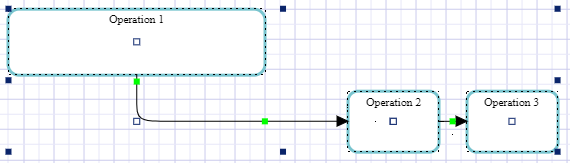
2. Click the element selection and according to the direction required, select:
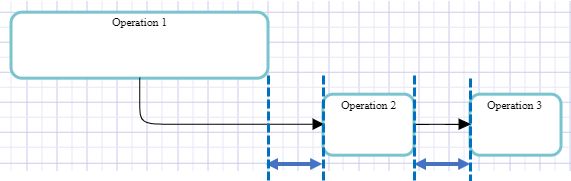
So that these commands are available, you must select at least three elements.• Distribute > Horizontally (or Vertically): the distance between the three elements edges is identical.
• Distribute > Horizontally (middles) (or Vertically (middles)): the distance between the three element edges is identical.