Building Block Breakdown report
This report aims at detailing the breakdown of a root Class of Building Block object into its Class of Block Component object and emphasizing the realizing EA artifacts of each component.
• The depth of analysis can be defined,
• The types of analyzed components can be displayed or filtered out (EA dimension),
• The types of realizing items can be displayed and filter out by types (EA layers),
• The look and feel can be fine-tuned (color palette, number of displayed columns).
 For more details on use of a breakdown report, see Handling a Breakdown Report
Report examples
The example below enables viewing of the functional breakdown of the functionality map specified as parameters.
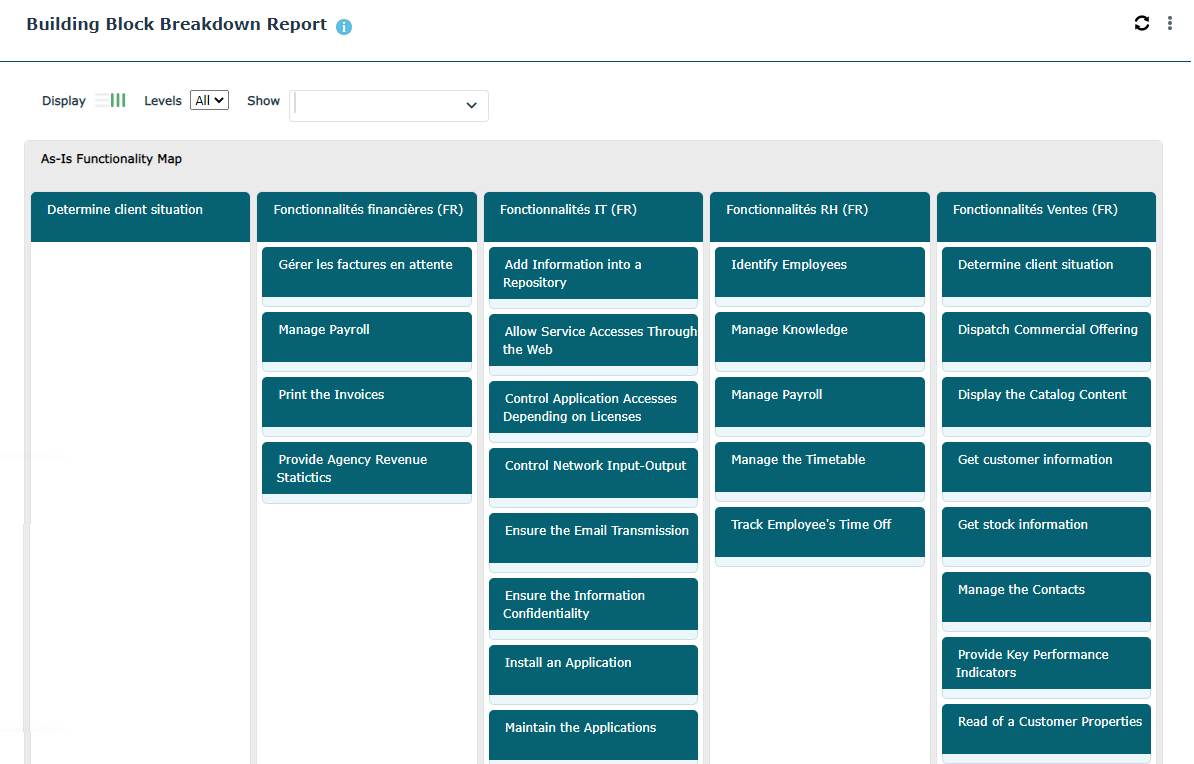 Example of functionality breakdown report.
In the example below, the applications that implement the functionalities are presented.
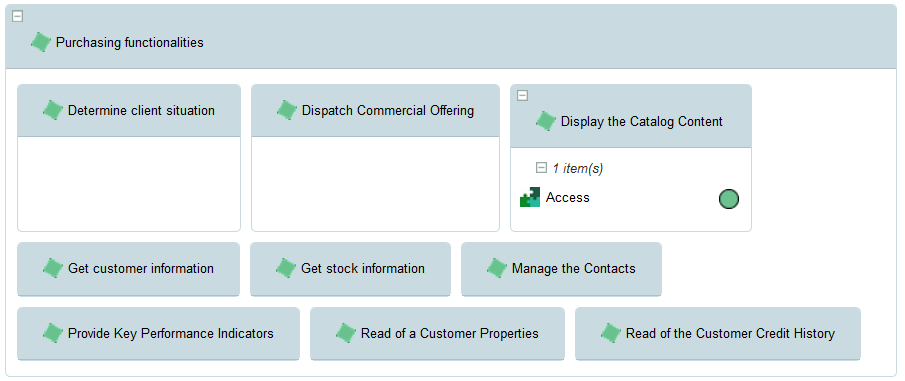
Another representation helps to see the capability maps fulfilled by applications.
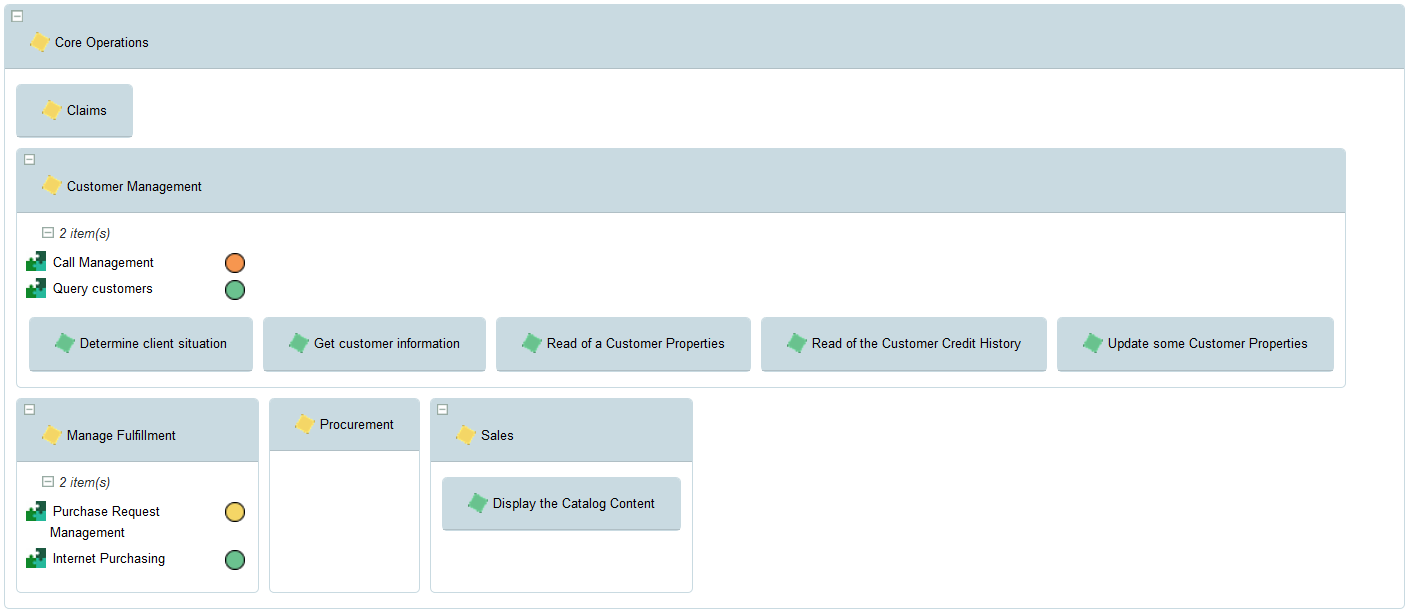
Report parameters
This consists of defining report input data.
Parameters | Parameter type | Constraints |
|---|---|---|
Root object | Building block | One object mandatory. |
Depth level | Short | Defines the breakdown level of the business capability map or the capability entered as a parameter. |
Number of columns | Short | Defines the number of columns displayed by breakdown level (for eg. 2 or 3) |
Color palette | HOPEX palette | Mandatory. The palette delivered by default is "BoxInBox Report Monochrome Grey" |
EA Level | Multiple choice: - business function level, - organizational level, - application level, - technical level. | Define which objects of which type of architecture level are displayed for capability realizations; For example, activation of the "applications level" displays the business capability realizations for the Application System Environment, the Application Systems or the Applications |
EA dimension | Multiple choice: - capability models, - agent models, - process model, - information models, - performance models, - results models | Define which types of objects are examined within the framework of the breakdown analysis For example, activation of "capability models" will display the business skills or functionalities required by the capabilities that are broken down |
For more details on how to associate a business capability with a functionality, see Describing Fulfillment of a Business Capability.