The entities (Merise)
 An entity is a management object considered of interest in representing enterprise activity. An entity is described by a list of informations (properties) linked to the entity. An entity is linked to other entities via associations. The set of entities and associations forms the core of a data model.
You can compare the entity concept to sheets in files for example.
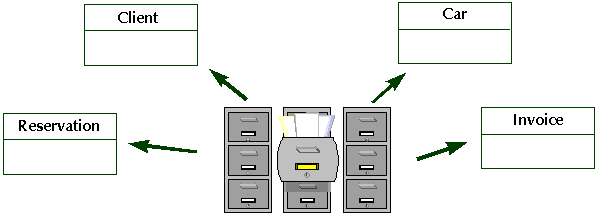
An entity represents a particular object class, of which all instances can be described in the same way.
Creating an entity
To create an entity:
1. Click the Entity button in the diagram objects toolbar.
button in the diagram objects toolbar. 2. Click in the diagram.
The Add Entity (DM) dialog box opens.
3. Enter the entity name.
4. Click Create (Windows Front-End) or Add(Web Front-End).
The entity appears in the diagram.
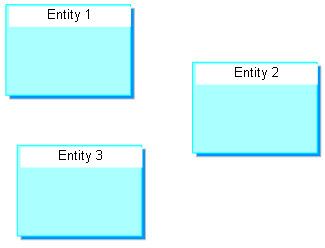
 To continue creating org-units without having to keep clicking on the toolbar, double-click button To return to normal mode, press the Esc key or click on a different button in the toolbar, such as the arrow
  The objects you have created, and their characteristics and links, are saved automatically each time the pointer changes to the shape
 . The diagram drawing is not saved until you explicitly request this by clicking the Save button
Specifying the entity identifier
To specify the entity identifier:
1. Open the properties dialog box of the entity.
2. Select the Attributes tab.
3. For the chosen attribute, select "Yes" in the Identifier column.
For more details, see Entity Identifier.