Creating a BCM System and Defining its Scope
When creating a BCM System, you need to specify its scope, which consists of one or several business processes.
To create a BCM (Business Continuity Management) system:
1. See Accessing BCM Systems.
2. Click New.
3. In the creation wizard, enter a Name and select a root Entity.
4. (Optional) Select a Business Continuity Analysis Template .
 A Business Continuity Analysis Template defines the logic used in the Business Impact Analysis (BIA): impact types, downtime periods, computation rules. For more details, see Managing Business Continuity Analysis Templates.
 This field appears if several business continuity analysis templates are available. If only one model is supplied as standard, this field does not appear.It is no longer possible to modify the business continuity analysis template after creating the BCM system.
5. In the Processes field, select one or several processes.
The 1st-level business processes (main processes) directly connected to the entity specified are suggested.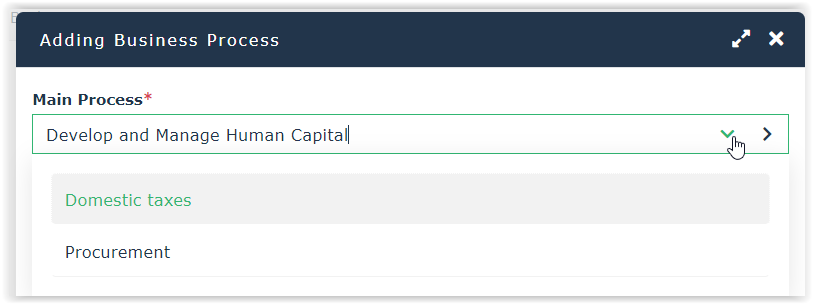
6. Click OK.
These business processes are now available in the Scope section of the BCM system properties.
You can add a process to the BCM System later on. To do so, right-click the business process and select Add to a BCM system.See also: Defining a Business Impact Analysis.