Managing the organization tools with HOPEX Digital Transformation Desktop
HOPEX Business Process Analysis is used to specify, implement and follow up action plans, Requests For Change and evaluations.
 An action plan comprises a series of actions, its objective being to reduce risks and events that have a negative impact on company activities.
 A change request allow users to request a modification on one or more repository objects. Depending on workflow configuration, users receive an e-mail or a notification to inform them of the request for change.An assessment is a mechanism used to receive feedback (qualitative or quantitative) from an identified population on identified objects. The assessment is then supplemented by results analysis tools.
To access objects dedicated to your enterprise organization modeling:
1. Click the navigation menu, then Business Process Analysis.
2. In the navigation pane, click Tools.
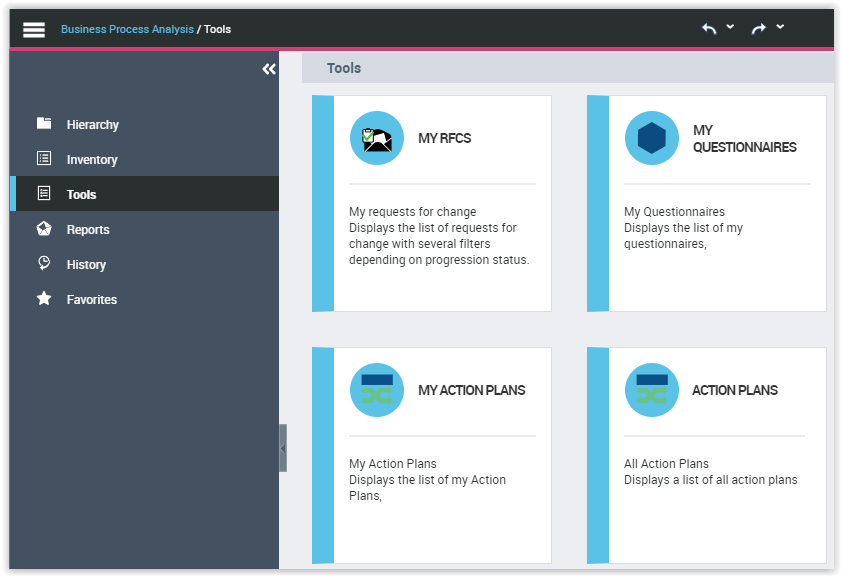
A list of tiles is proposed to help you to use the tools dedicated to the management of your organization models.