Accessing your IT architectures with HOPEX Digital Transformation Desktop
To access the elements that are part of your IT architectures:
1. Click the navigation menu, then Application Architecture.
2. In the navigation pane, click Hierarchy.
A tree with the different architecture levels is displayed.
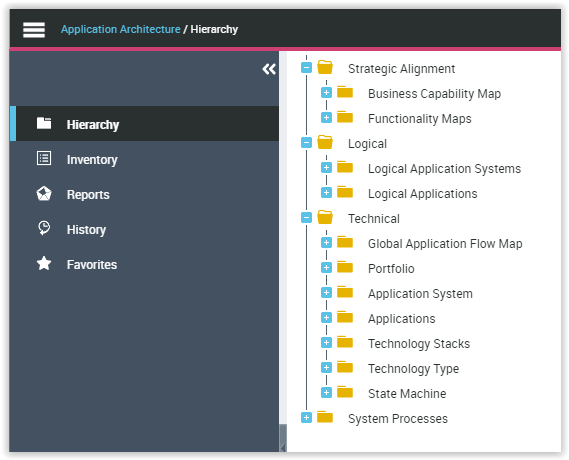
• The Strategic Alignment folder enables the definition of Business capability maps and Functionality Maps in order to prepare for the transformation of your enterprise.
 See "Managing IT transformation", page 95 in the HOPEX IT Architecture guide.
• The Logical folder provides access to the list of elements of your logical architecture.
See Modeling Business Capabilities and the logical application architecture in the HOPEX IT Architecture guide.• The Technical folder provides access to the list of elements of the technical architecture.