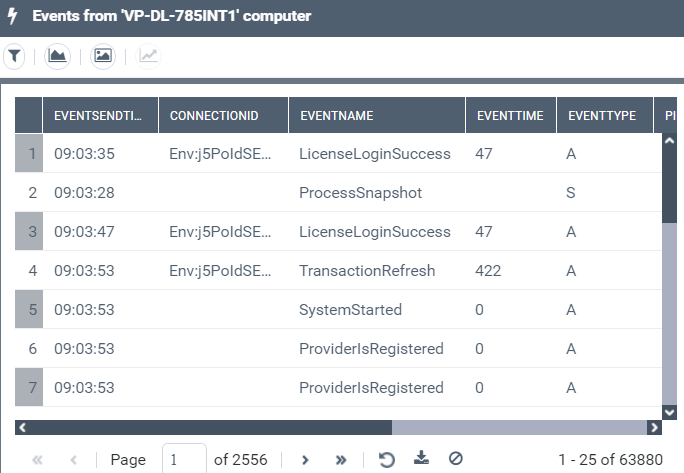
Accessing all the Server Events
The Computer navigation pane gives access to all the supervised events of all the servers used by HOPEX.
To access the server events:
1. Access the HOPEX Supervision console.

2. In the HOPEX Supervision console navigation panes, click Computer.
3. The Computers view is displayed.
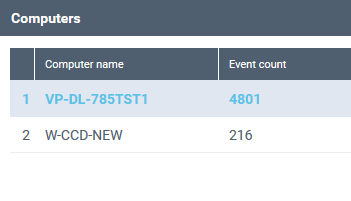
It shows for each server its number of events.
4. Click the server row whose events you want to access.