Creating an Association
To create an association:
1. In the data diagram objects toolbar, click the Association button. 
2. Click one of the entities concerned, and holding the mouse button down, drag the mouse to the other entity, before releasing the button.
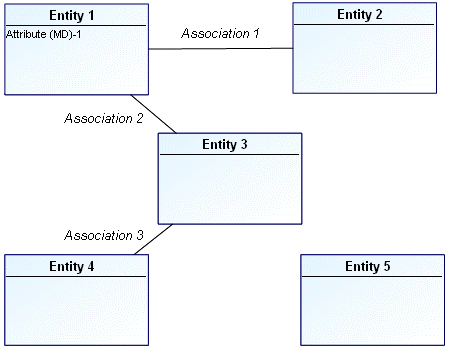
A line appears in the diagram to indicate the association.
3. To specify the association name, right-click the association and select Properties.
 Make sure you click on the line indicating the association and not one of the roles located at the ends of the association.
4. In the Characteristics page, in the Local Name field, enter the association name.
5. Click OK.
Example
You can also delete an element or link you created in error by right-clicking it and selecting Delete.