Finding variants of an object
The "Variants of an object" query lets you find all the objects derived from another object.
To find the variants of an object:
1. In the HOPEX search bar, select the Query object type and enter "variants".
2. Right-click the "Variants of an object” query and select Process.
3. In the window that appears, in the Value field, enter the name of the varied object, then click the right arrow in the field and select List to find the name of the object.
Example: "Server".
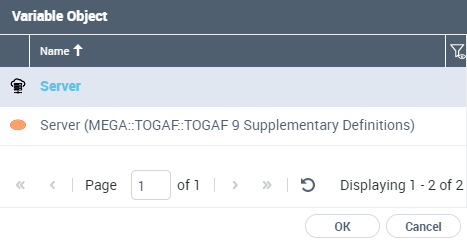
4. Select the object concerned.
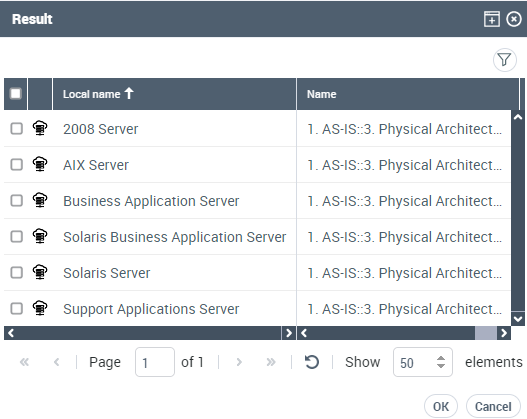
5. Click OK.
The list of objects derived from "Server" appears.
The tool displays not only direct variants but also sub-variations.