Structure diagrams and flow scenario diagrams initialization
To create an Application Structure Diagram, for example:
1. Right click the application that interests you and select New > Application Structure Diagram.
The diagram opens in the edit area. You are now in the HOPEX graphic editor. The frame of the described application appears in the diagram.
Example
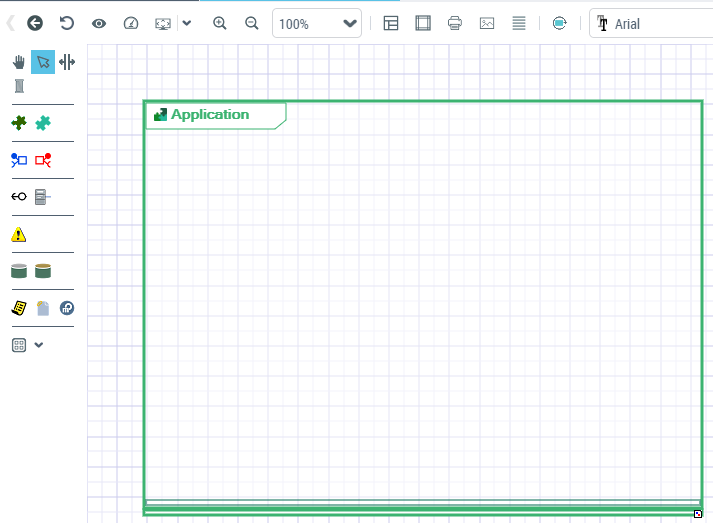
HOPEX IT Architecture V2 diagrams initialization
By default, a diagram is initialized with the current object represented by a frame; the described object components are diplayed at the top of the diagram.
If the described object is used in an upper level diagram, the new diagram is initialized with service and request points corresponding to the upper level diagrams flows.
Icon | Description |
|---|---|
 | Refresh diagram |
 | Properties of the diagram Provides access to the diagram properties |
 | Reinitializing components Add the described object components in the diagram. |