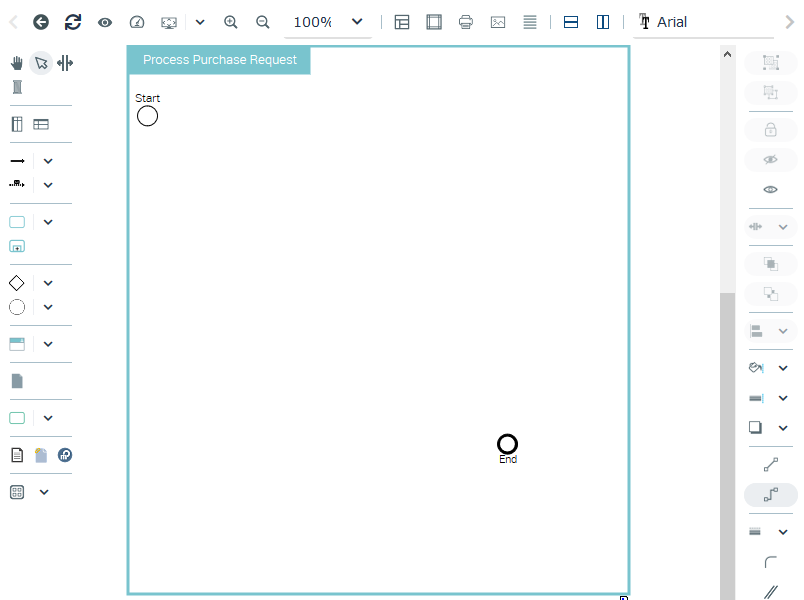
Organizational Process Diagram initialization
By default, with HOPEX Business Process Analysis, the BPMN diagram is initialized with the current process, represented by a frame; Start and End events are added in the frame as well as input and output gates.
If the organizational process is represented in a higher level diagram, the diagram is initialized taking into account participants and flows that are represented in the higher level diagram. A note provides the name of the diagram from which the new diagram has been initialized.
 After reading this note, you can remove it.
At least, if the process owns components connected by sequence flows, internal and external participants connected by flows, systems used and data stores, each new diagram is initialized with these components displayed at the top of the frame on the left of the diagram.
If you prefer that process components not be inserted in your diagram,open the HOPEX Options window, select Compatibility > Diagram and on the right part of the window, uncheck the Automatic filling of BPMN diagrams box.The buttons below help you to reorganize your diagram.
• BPMN Vertical Diagram enables to arrange vertically the diagram elements ( ),
),
),• BPMN horizontal Diagram enables to arrange horizontally the diagram elements ( ).
).
).Example of an Organizational Process Diagram