Using the history
You can:
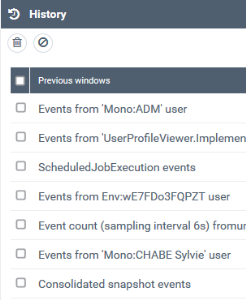
• access a page you already displayed in the HOPEX Supervision console.
• delete the whole content
To access a page you displayed in the HOPEX Supervision console:
1. Access the HOPEX Supervision console.

2. In the HOPEX Supervision console tool bar, click History  .
.
.
3. If needed:
• click  to reset the whole list.
to reset the whole list.• select an item and click  to remove the selected page from the History list.
to remove the selected page from the History list.