Changing Work Mode
By default, you are working in browse mode in your HOPEX Explorer desktop.
With a contribution type profile, you can modify repository objects. For this, you must work in edit mode.
To change work mode (contribution type profile):
1. In your HOPEX Explorer desktop, to change work mode, you must be in a location that allows this option and have the appropriate permission:
• Under the breadcrumb, click Edit  .
.
.or
• In the tab bar of the properties pages, click Edit .
. To return to browse mode, click Browse
  .
.Example: In a property page, fields are editable.
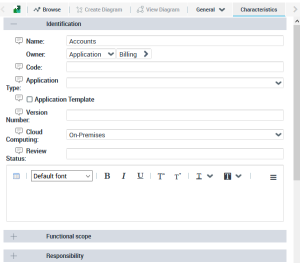
2. Perform your update.
When you change pages, you return automatically to Browse mode.
To stay on the same page and return to browse mode, click Browse .