Connecting objects
There are several ways to connect objects, for instance through:
• The Connect command available in a field menu

• The Connect button available in a list of a property page
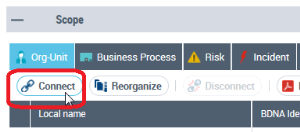
 The Connect feature is based on the query tool. For more details, see Use the Query Tool to Connect an Object.
• A tree

Example: In HOPEX Internal Control, when you wish to launch a control execution campaign, the root entity is to be selected from a tree.
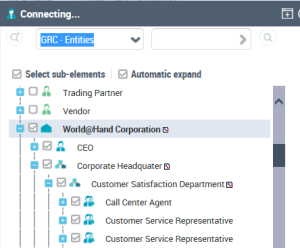 Two options enable you to select sub-elements and/or automatically expand the tree after clicking an object.