Moving Objects
To move an object or a group of objects:
1. Select them.
2. Click an object in the selection, avoiding a handle.
3. Holding the mouse button down, drag the selection to the desired location, then release the mouse button.
 When the grid is enabled (see Using the Grid), the drawing objects you move are automatically aligned with the grid.
If you move the drawing object beyond the current diagram area, the diagram area automatically scrolls to keep it in view. Note that you cannot move elements outside a diagram.
Moving nested elements
When a drawing object is contained within another graphic element, there are two possibilities:
• Move the two elements together.
• Move only one of the two elements.
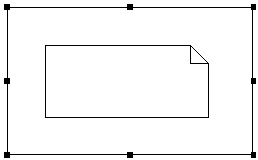
To move the two elements together:
 Click the element that contains the other and move it.
The second element will follow.
To move the containing element without moving the contained element:
Move the containing element holding down the <Shift> key.This procedure can be useful, for example, to move a swimlane with or without its attached objects.