Modifying Lines
To modify the appearance of a line:
1. Right-click on the line.
2. Select Colors and Borders.
The Colors and Borders tab enables definition of:
• Line style (simple, orthogonal, perspective, polygon).
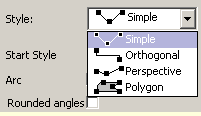
The last type, which gives a closed shape, allows you to draw an irregular polygon that can be filled with a color and a pattern as for other elements.
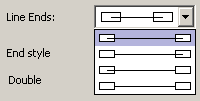
• Line ends (covered or not by connected elements).
• Style for the beginning (Start style) and the end (End style) of the line.
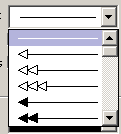
 If you do not want an arrow at the end of the line, select the simple straight line.
Color of the interior of arrow heads can be modified using the Fill frame (only if you have selected an arrow style with solid head).
HOPEX enables drawing, for all line types, of:
• Rounded angles.
• Arcs.
• Double lines.
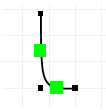
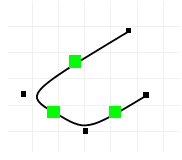
Examples of lines