Generating an Application Environment Report
Application Environment Graph of an application
The “Application environment graph” report presents links between an application and its environment. Components appearing in the graph can be applications, installations, technologies, functionalities, consumer org-units or business processes linked to the application.
To open the environment graph of an application:
1. Select the application concerned and display its properties.
2. In the properties window, select the Reporting page.
The first chapter of the report provides a complete view of the application environment. The following chapters provide details in terms of data flows, installations and functional environment.
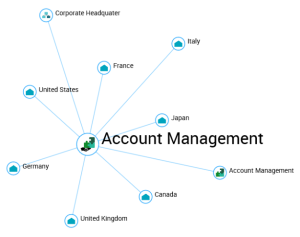
Example from installation point of view
Application Exchange Graph for a set of applications
You can generate an Application Exchange Graph from a selection of applications to see their connecting links.
To generate an Application Exchange Graph on a set of applications:
1. Display the application list, for example from the IT Portfolio Management > Applications navigation pane.
2. In the list displayed, select the applications and click Instant Report.
3. Select “Application Exchange Graph”.
4. Click OK.
The instant report opens in the edit area.