Creating a Service
Services can be created from the "Root Services" and "All Services" folder of the NSOV-1 Service Taxonomy folder.
To create a service:
1. Right click the Service folder concerned and select New > Business Service.
2. Name the Service and specify the category to which it belongs. You have the choice between "Application", "Information" and "Operational".
3. Click OK.
The new service appears in the folder of the Service from which it was created as well as in the folder that corresponds to the specified category. All business services are also placed in the All Services folder.
If no category has been specified for the service, it will be placed in the Undefined folder.
To facilitate the description process, a service can be decomposed into sub parts which are assembled together in an interaction system. The different service layers can be graphically described in diagrams. To do so, you can create the business Service Structure Diagram or the Business Service Tree Diagram and add the different service points required as well as the Business service Compositions.
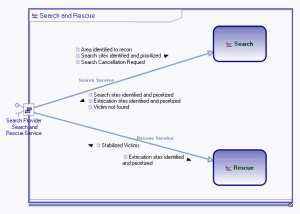
Example of a Service Structure Diagram.
The modeling principles are similar to those used for the operational view and service points are used to express the service exchange protocols to be fulfilled in order to benefit from the service.