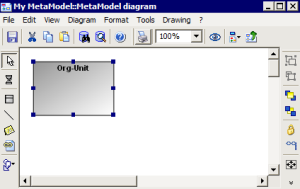
Placing a MetaClass in a Metamodel Diagram
To place an existing MetaClass in the metamodel diagram:
1. In the diagram insert toolbar, click
MetaClass 
then click in the diagram.
The Add MetaClass dialog box appears.
2. In the Name box, click the drop-down menu arrow and select List.
3. Select the required MetaClass in the list.
4. Click OK.
The MetaClass name is displayed in the Add MetaClass dialog box.
5. Click Connect.
The MetaClass is placed in the metamodel diagram.
You can access the attributes of the MetaClass by opening its Properties window.

In the same way you can place several MetaClasses in the metamodel diagram.