Creating a generalization
To create a generalization:
1. Click the
Generalization button

in the toolbar.
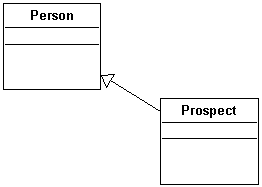
2. Click the subclass concerned, and drag the mouse to the superclass before releasing the button.
The generalization is now indicated in the diagram by an arrow.