1. Click the Interface button  in the insert toolbar.
in the insert toolbar. in the insert toolbar.  If the Interface button does not appear in the toolbar, select View Views and Details and select Classes.
 Click the
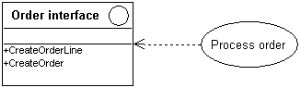
  button and drag the link from the use case (eg: Process Order) to the interface (eg: Order Interface).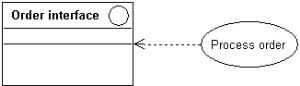
 Click the
  button and draw the link between the use case and the interface.
 For more details on required and supported interfaces, see "Linking interfaces to other objects".