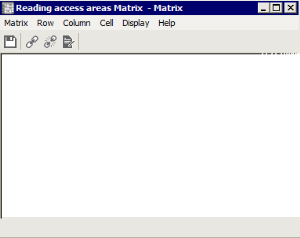
Accessing the Reading Access Area Matrix
To access the reading access area matrix:
1. From HOPEX Administration, connect to the environment concerned.
2. Expand the User management folder of the environment.
3. Right-click the user Data Reading Access folder and select Reading Access Matrix.
An empty reading access area matrix appears.
 See "Connecting to an Environment", page 7.