 In the drop-down list at the top of the page, select the pages of interest to you.In the drop-down list at the top of the page, select the pages of interest to you.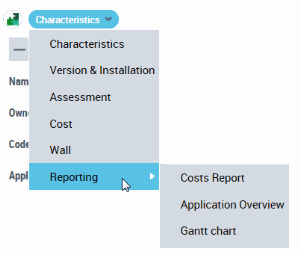
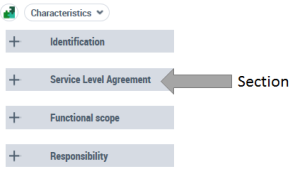 Click the icon
  on the left of a section name.
 To collapse a section, click icon
  .
.