Customizing your Dashboard
You can customize your dashboard to quickly access your frequently used elements.
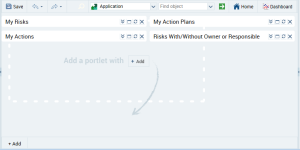
To customize your dashboard:
1. In the read/edit area, click
Dashboard 
.
2. In the read/edit area, click Add.
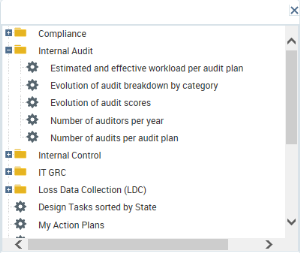
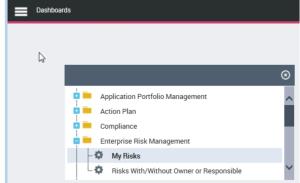
The list of elements you can display in your dashboard appears.
3. Select an element and drag-and-drop it to the dashboard.

Expand folders if necessary.
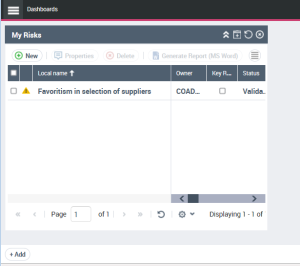
The element is displayed in your dashboard.
4. (Optional) Select other elements.

If you selected a large number of elements, in the element title bar click

to reduce the element. Click

to unfold the element.