Accessing risks
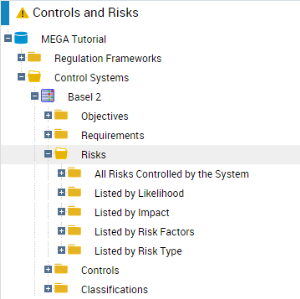
With the Control and Risk Architect profile, you can access risks via control systems.
To access risks with the Control and Risk Architect profile:
1. Click Controls and Risks > Control Systems.
2. Select a control system and click the Risks folder.

The risks mitigated (limited) by a control system can be viewed in the
Mitigated Risks section of the control system properties window. For more details, see
"Control Systems".
To access risks with the Risk Manager (simplified) profile:

Select
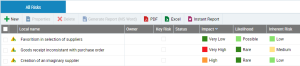
Risk Library > Risks > All Risks.
To access the most important risks: Click
Environment > Risks > Key Risks.