Creating Requirements
To create a requirement:
1. Right-click the project concerned and select New > Requirement.

You can also create requirements from the explorer.
2. In the creation of requirement dialog box, enter the name of the requirement and click OK.
Defining properties of the requirement
Requirement type
There are several types of requirement:
• Organizational
• Client expectation
• System
• Technical
• Business
• Legal or regulatory
According to standard ISO 9000: 2000, "a requirement is a stated need or expectation, normally implicit, or imposed". Standard ISO 9000 highlights "client expectations" but in the context of a project, other requirements should be considered.
In a diagram, the type is indicated in the form of requirement.
Requirement priority
Priority can be:
• Low
• Medium
• High
Satisfaction of the requirement
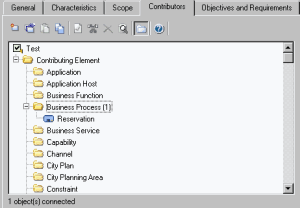
A process, operation, application, service, etc., can contribute to satisfaction of a requirement.
Requirement scope
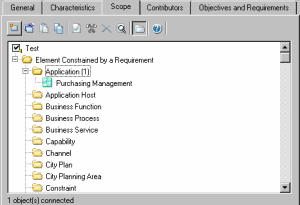
It is possible to specify which elements are constraints of the requirement.