Modifying Links
Making a link orthogonal
Having created a link between two objects, you can easily modify its presentation to make it orthogonal.
To make a link orthogonal:
1. Open the dialog you have just created.
2. Click

.
The link becomes orthogonal.
Perspective links
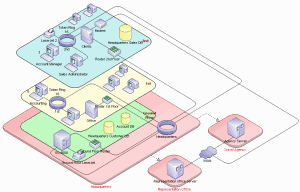
In technical architecture diagrams of
MEGA Architecture:, links can be in perspective (

).