 Select the end of the link, then holding the <Shift> key down, move the link to another target object.Select the end of the link, then holding the <Shift> key down, move the link to another target object.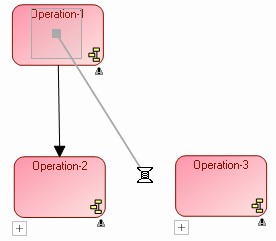
 This action allows you to retain the characteristics of the link.