Associating Commands with the Tree Root Node
So that commands are available from the top of the tree in the navigation window:
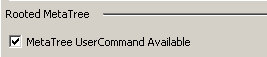
1. Open the Properties window of the new node.
2. In the Rooted MetaTree section, select MetaTree UserCommand Available.