Configuring Actions with Message or Notification
When you create an action to configure e-mail and notification sending, you can configure fields defining:
• recipients
• subject
• the message body or the notification sent to persons concerned
 For more details on actions, see Workflow Actions.
Defining text
The text of a message or notification can be defined in their properties dialog boxes, or in the workflow action creation dialog box (message or notification).
See Workflow Actions.To define the text displayed in a mail or notification, you can:
• enter free text
• use tags
These tags can be used :
• in the subject of the message or notification
The subject corresponds to the first line of the message or notification comment.• in the body of the message or notification
Defining recipients
Tags also enable definition of message or notification recipients.
In the case of a message, an e-mail address can be entered directly.
Defining the sender
You can define the sender using one of the following options:
• A permanent email address of your choice
• The email address of the current user
• The default email address specified in the SMTP configuration
• An email address that is returned as a text value
 For SaaS solutions: If the SMTP server is managed by MEGA, we recommend using the default SMTP sender address. Otherwise, you may not receive notifications. See Configuring the SMTP Server.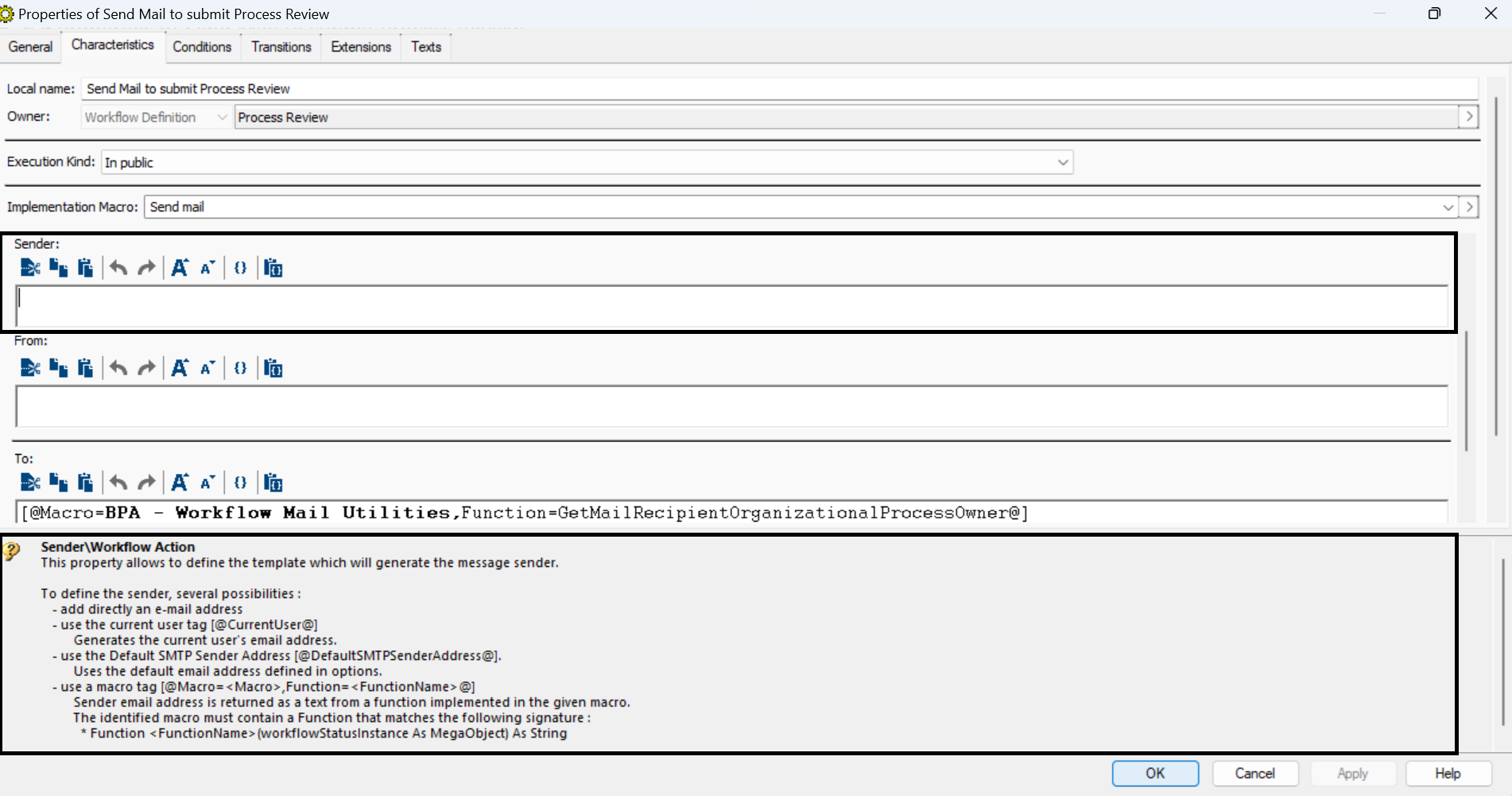
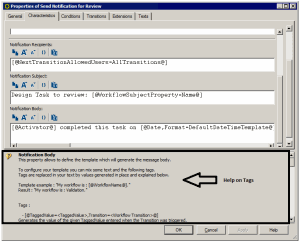
Help on tags
Help on tags used is available in the properties dialog box of a workflow action.
See also Workflow Actions. Enlarge the context-sensitive help pane at the bottom of the dialog box to improve view of the tag description.