Advanced Search Tool Introduction
Advanced search tool description
 To carry out searches in the form of queries, you must know the names of the object types handled, and be familiar with query syntax, see ERQL Query Syntax.
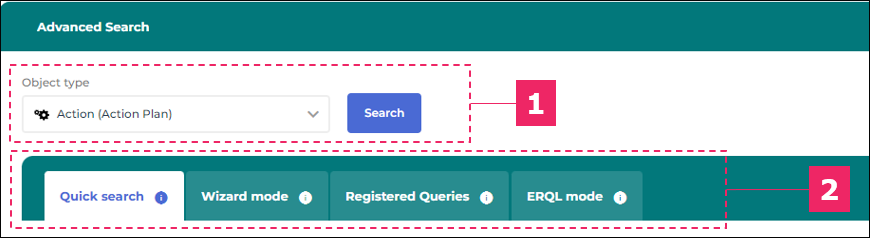
Advanced searches are carried out by means of queries. When you perform an advanced search, you need to select the object type first. You can then set up your advanced search using:
• a quick search
See Quick search.• a wizard
See Quick search.• a registered query
• a query in ERQL language
Accessing advanced search
Access the advanced search tool from:
• the full-text search tool (see below)
• the main menu
See Main menu.To access the advanced search:
1. In your Hopex desktop toolbar, click in the Search  field.
field.2. Click Advanced search.
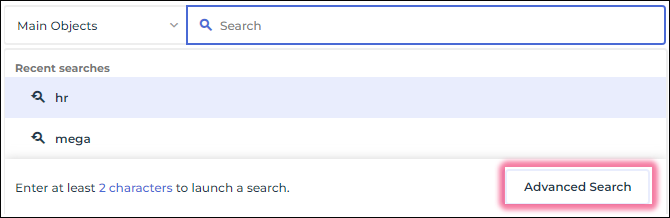
3. The advanced search tool is displayed in the Edit area.
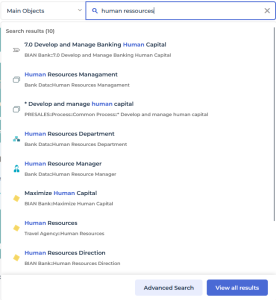
The advanced search is available when performing a full-text search as well. In this case, click Advanced search underneath your full-text search result list.